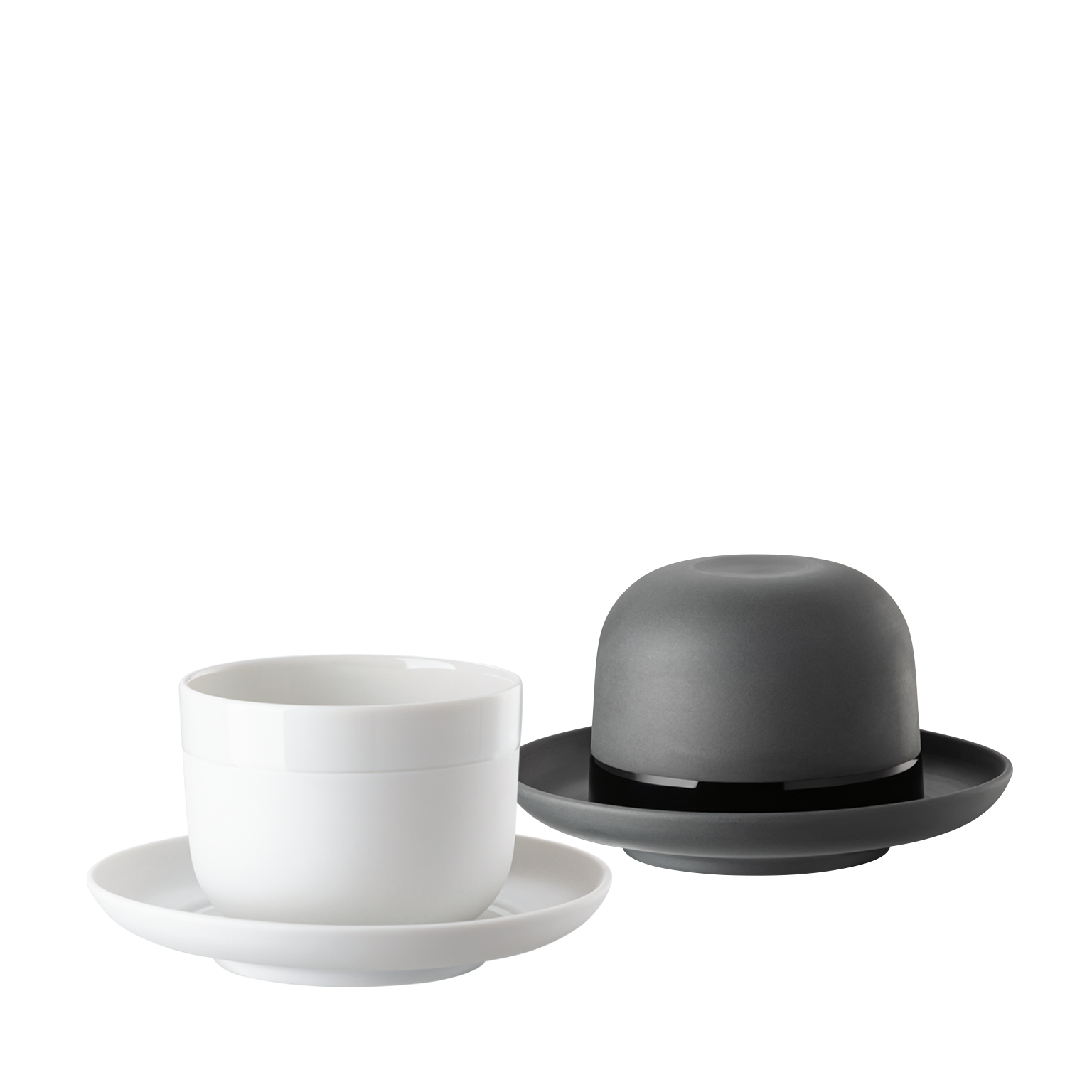
Rosenthal Porcelain Collections
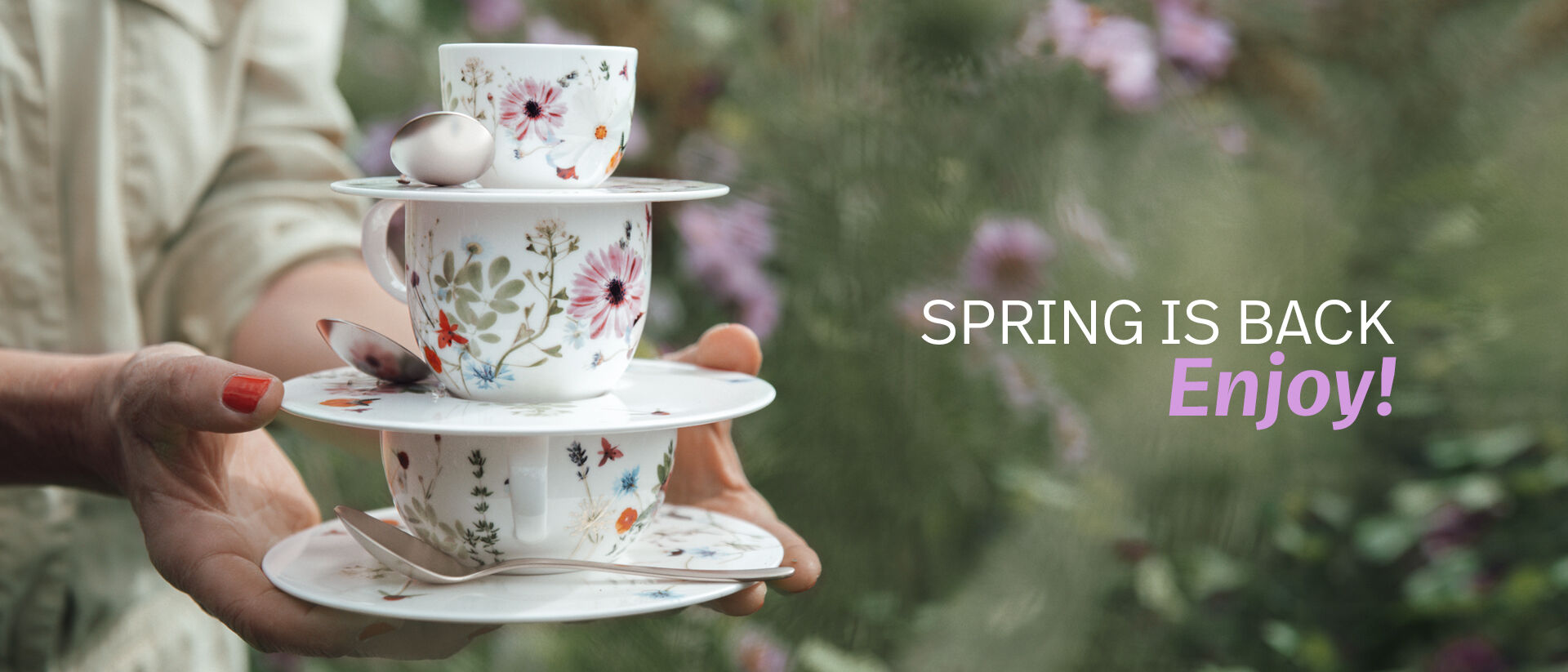
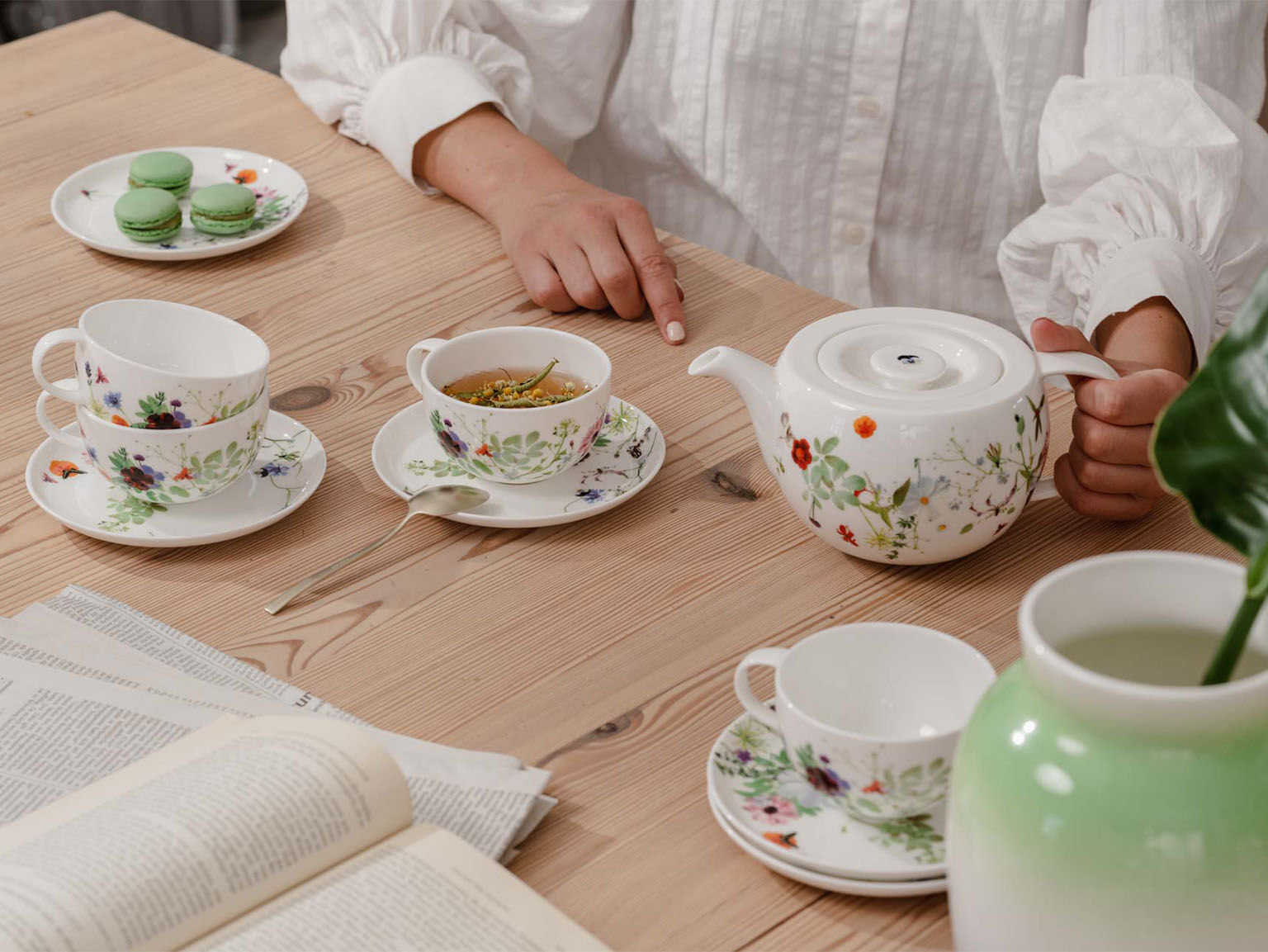
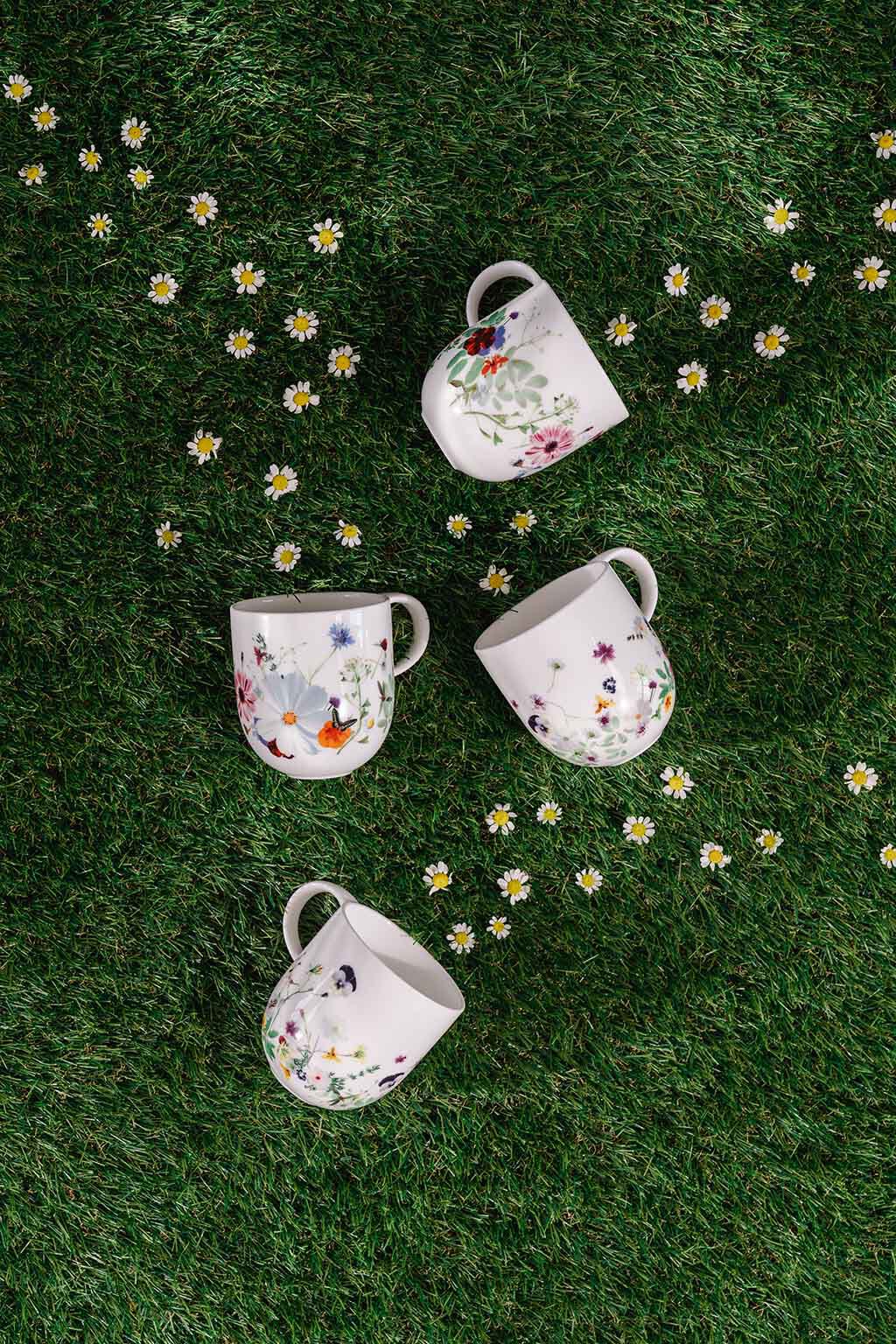
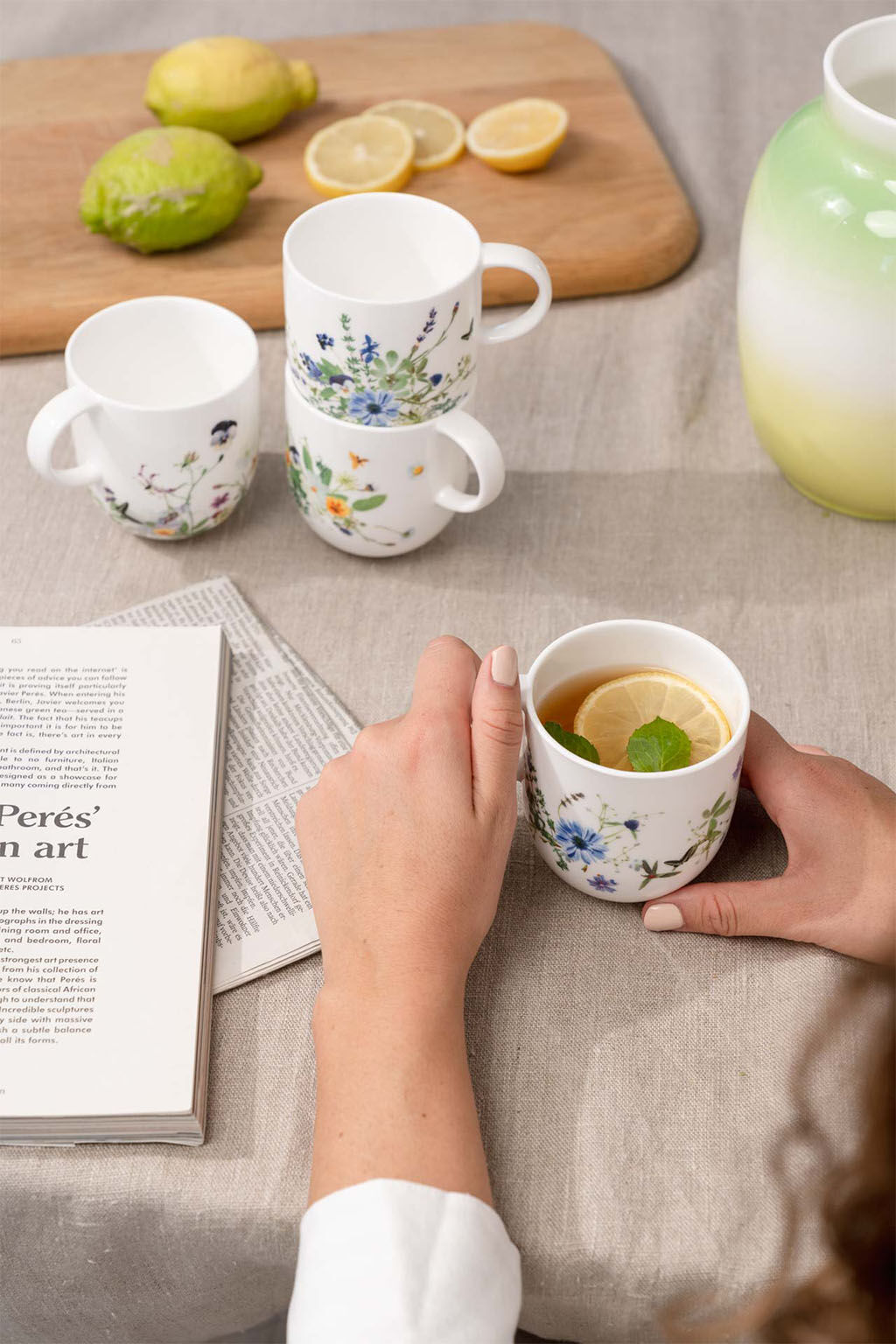
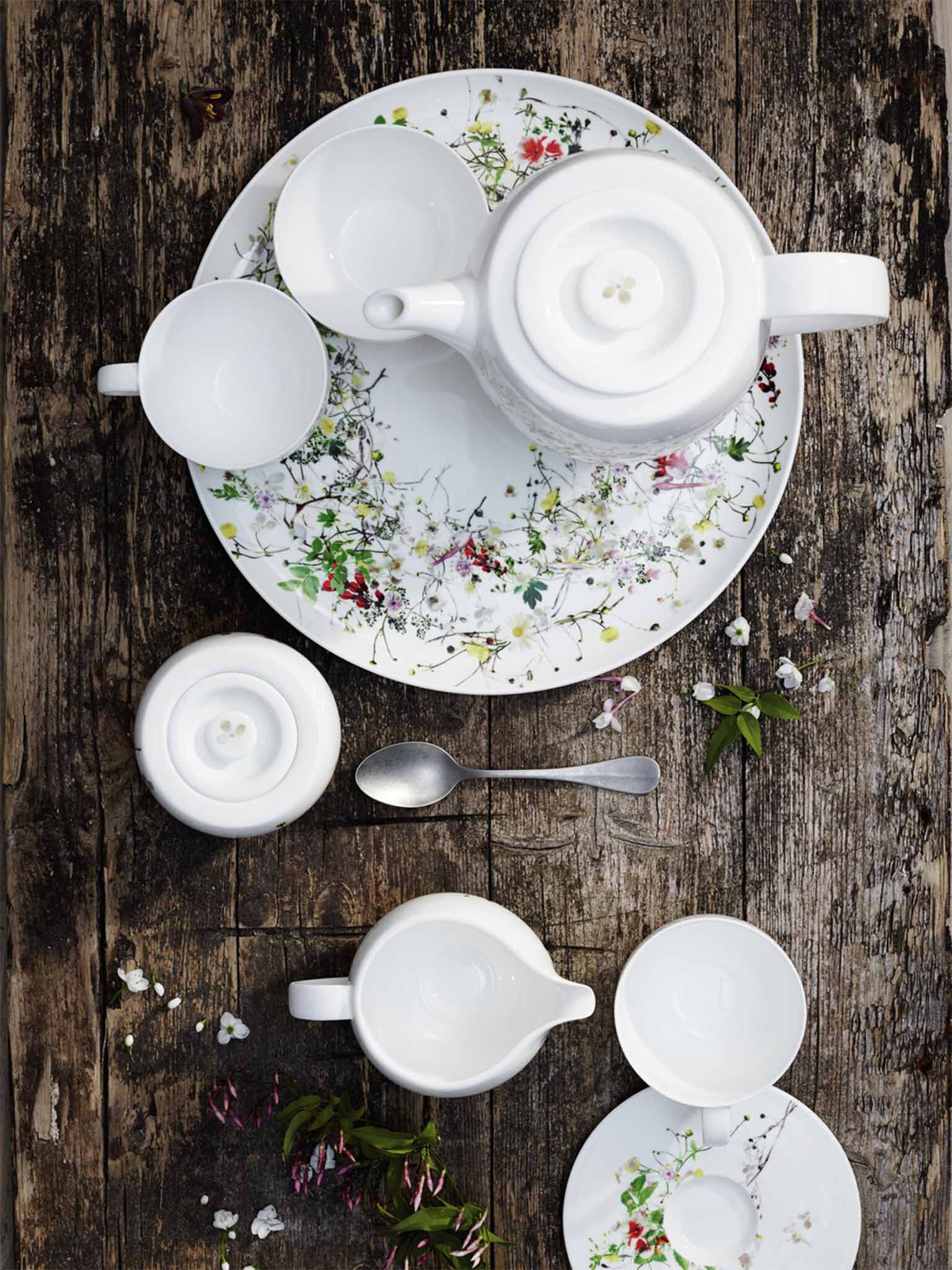
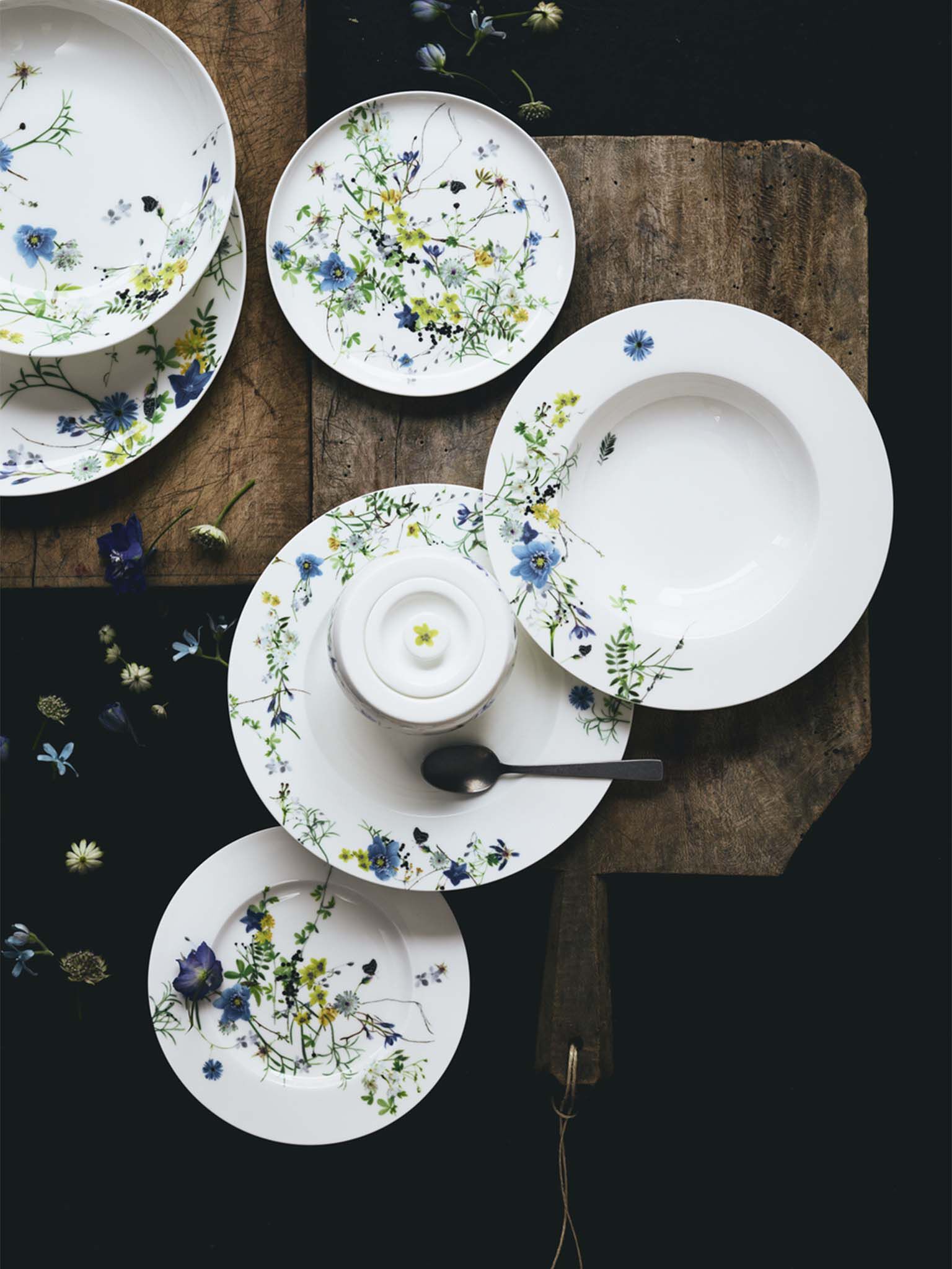
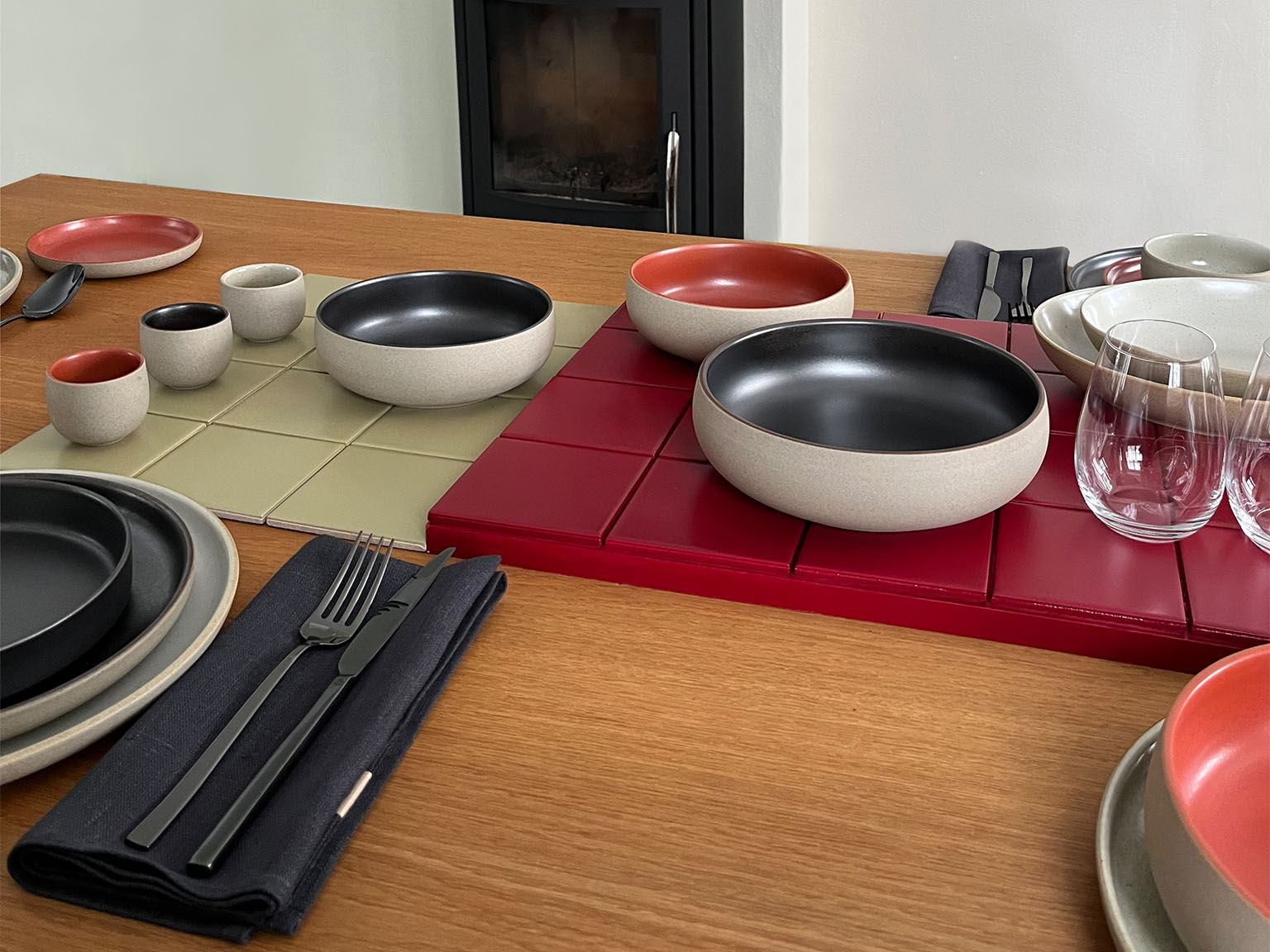
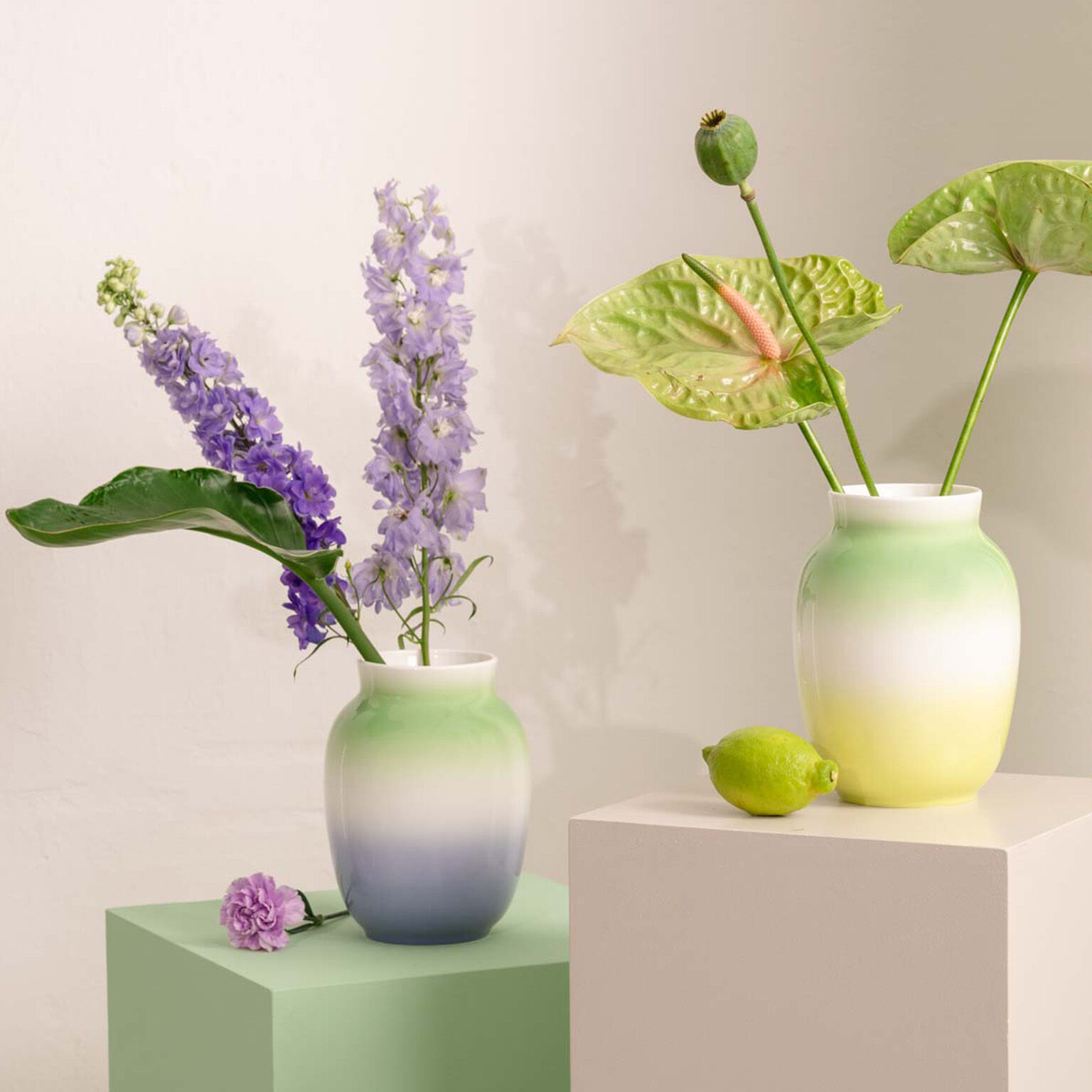
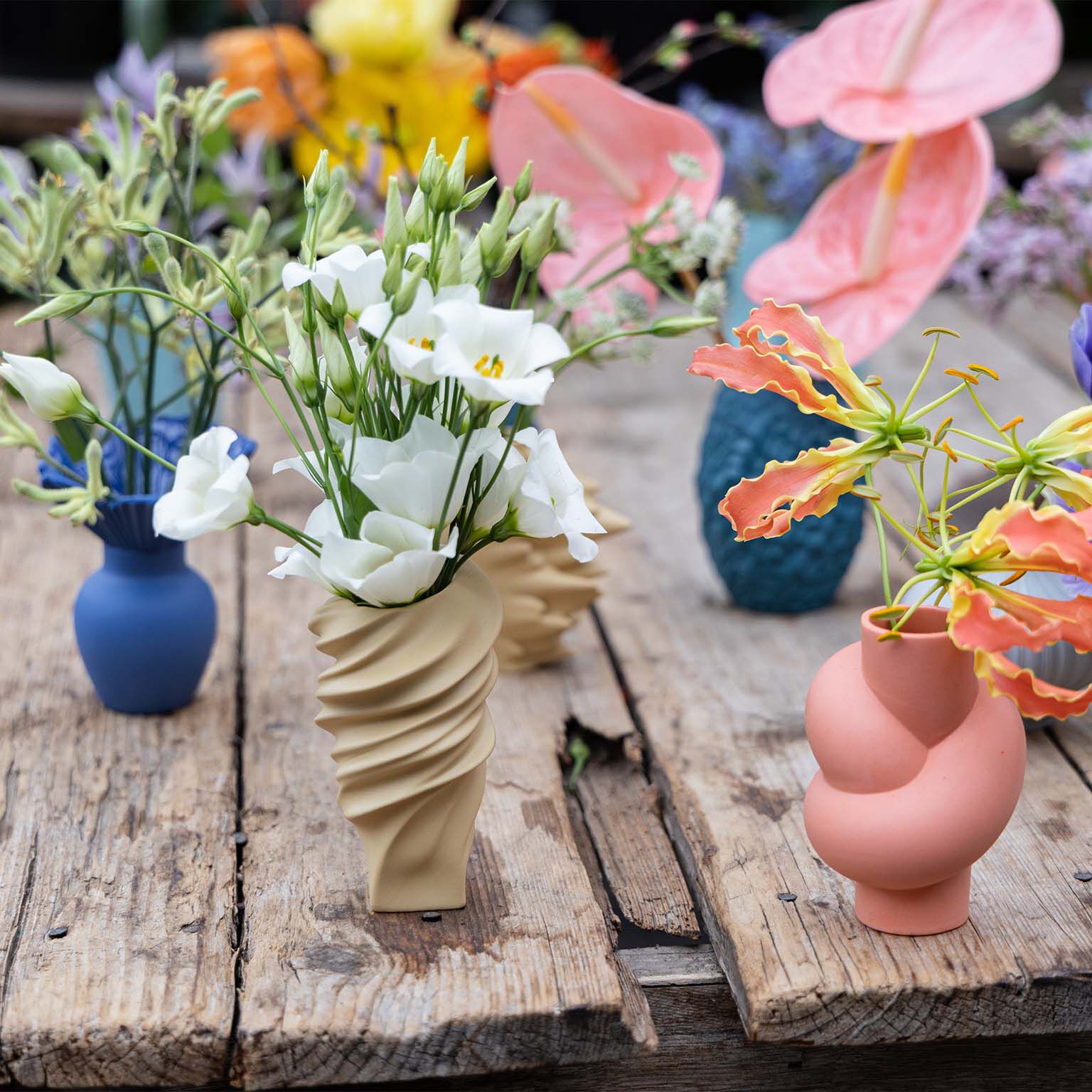
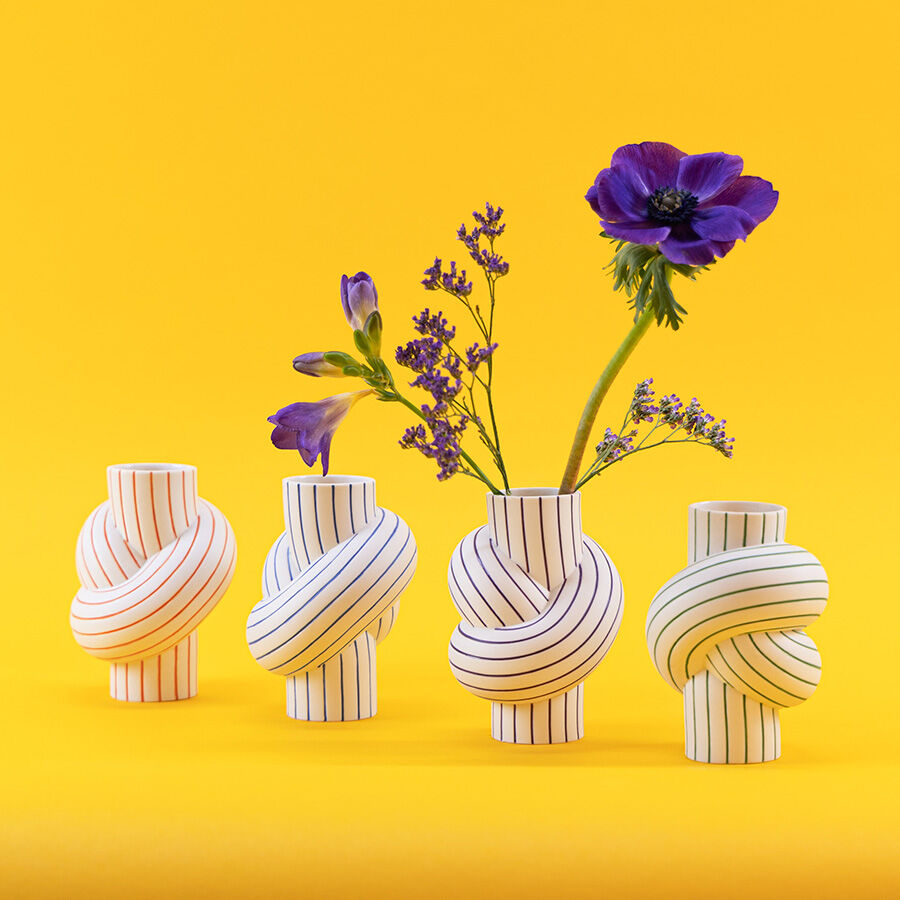
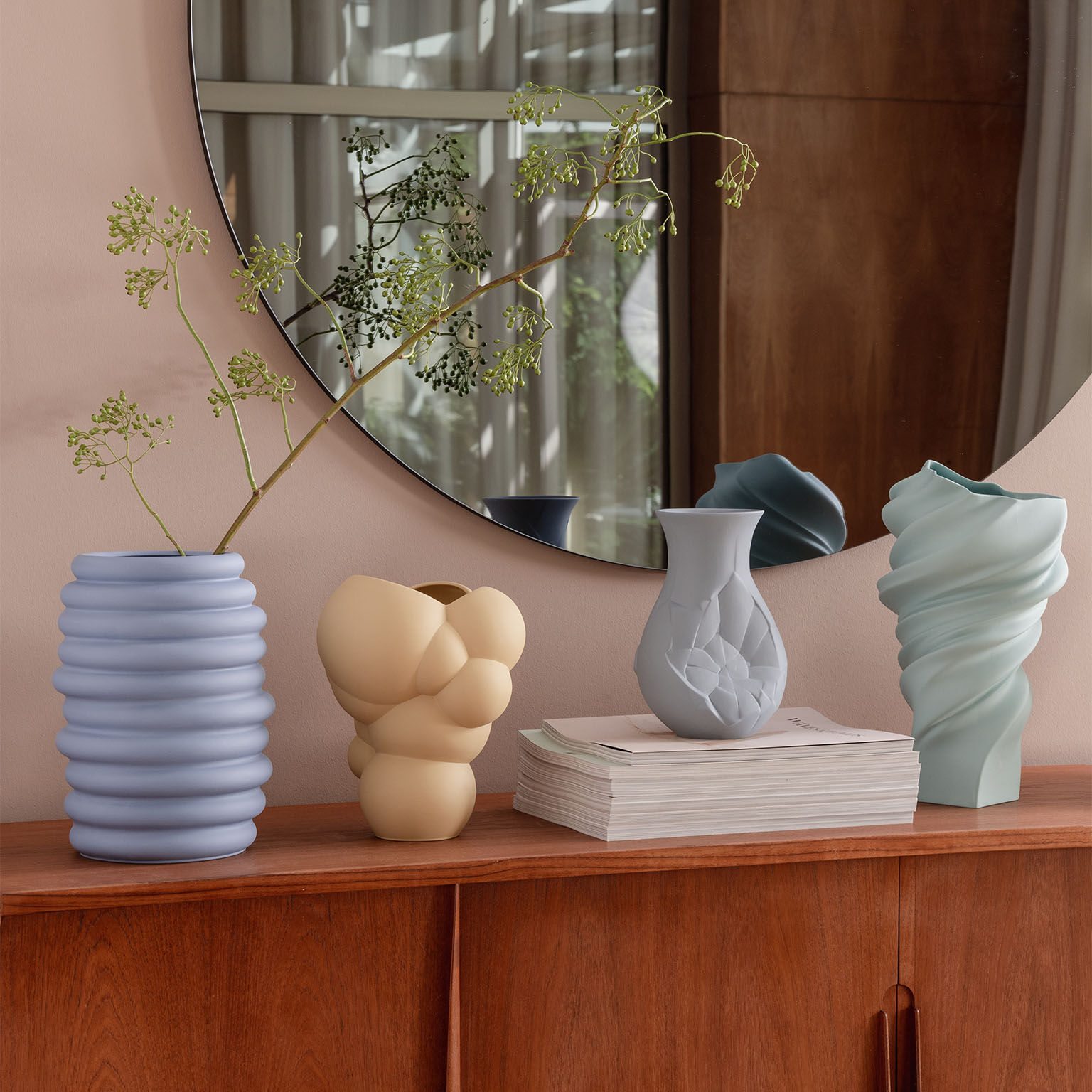
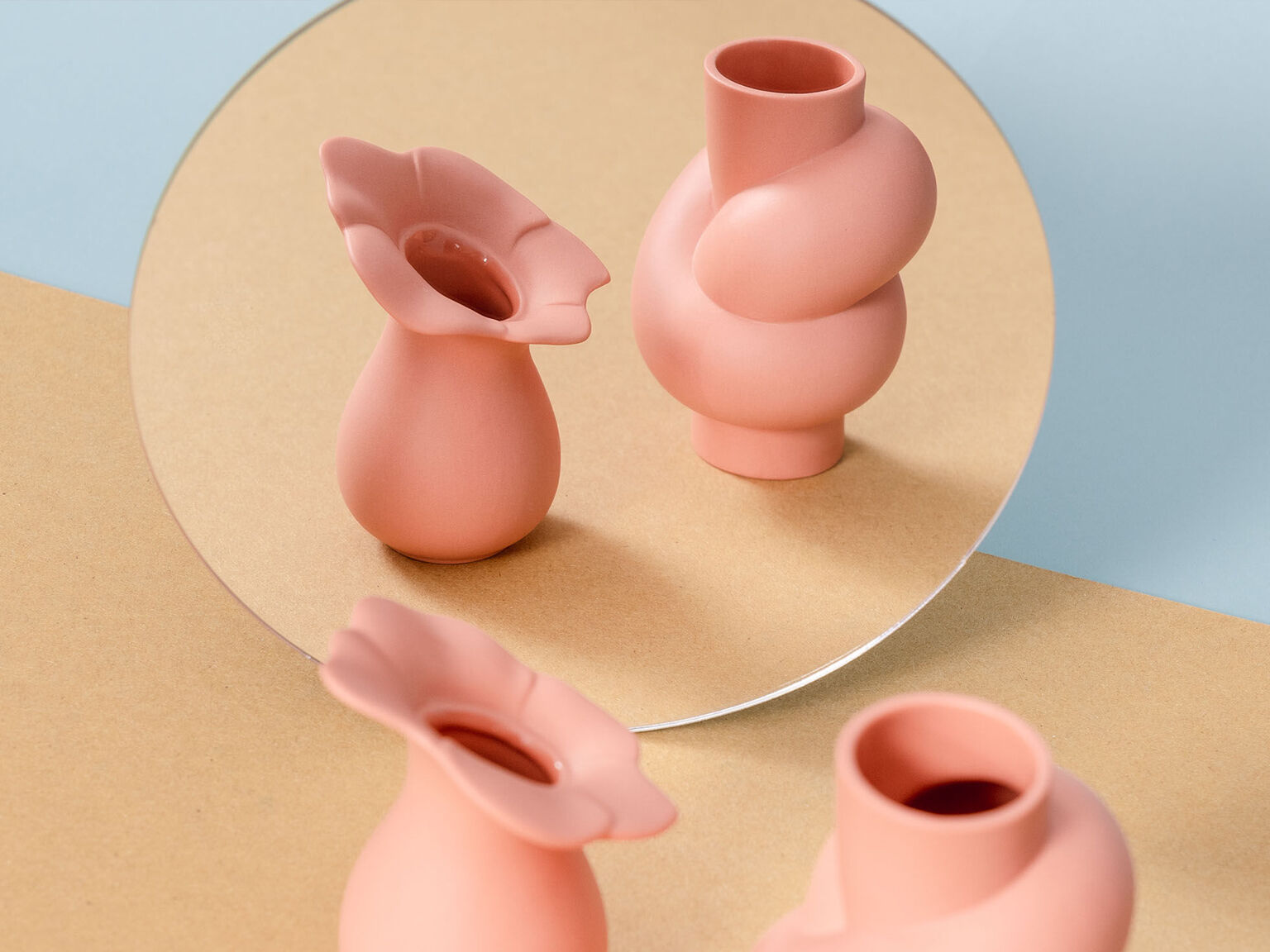
Rosenthal has stood for innovation and design, quality, sophisticated craftsmanship and perfect porcelain for over 140 years. In cooperation with designers, artists and architects, such as Walter Gropius, Raymond Loewy, Patricia Urquiola or Christophe de la Fontaine unusual, timeless and modern collections of porcelain have been produced for households and gastronomy that express an individual and exclusive table culture. Glasses, sets of cutlery, pots, kitchen helpers, furniture and accessories complement the fascinating world of products in the Living and Gifts sectors. Our products are found at specialist retailers in Germany and in more than 105 countries throughout the world.
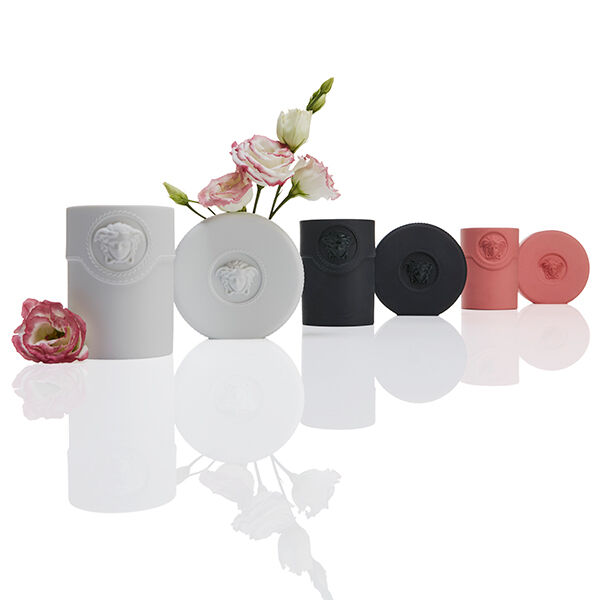
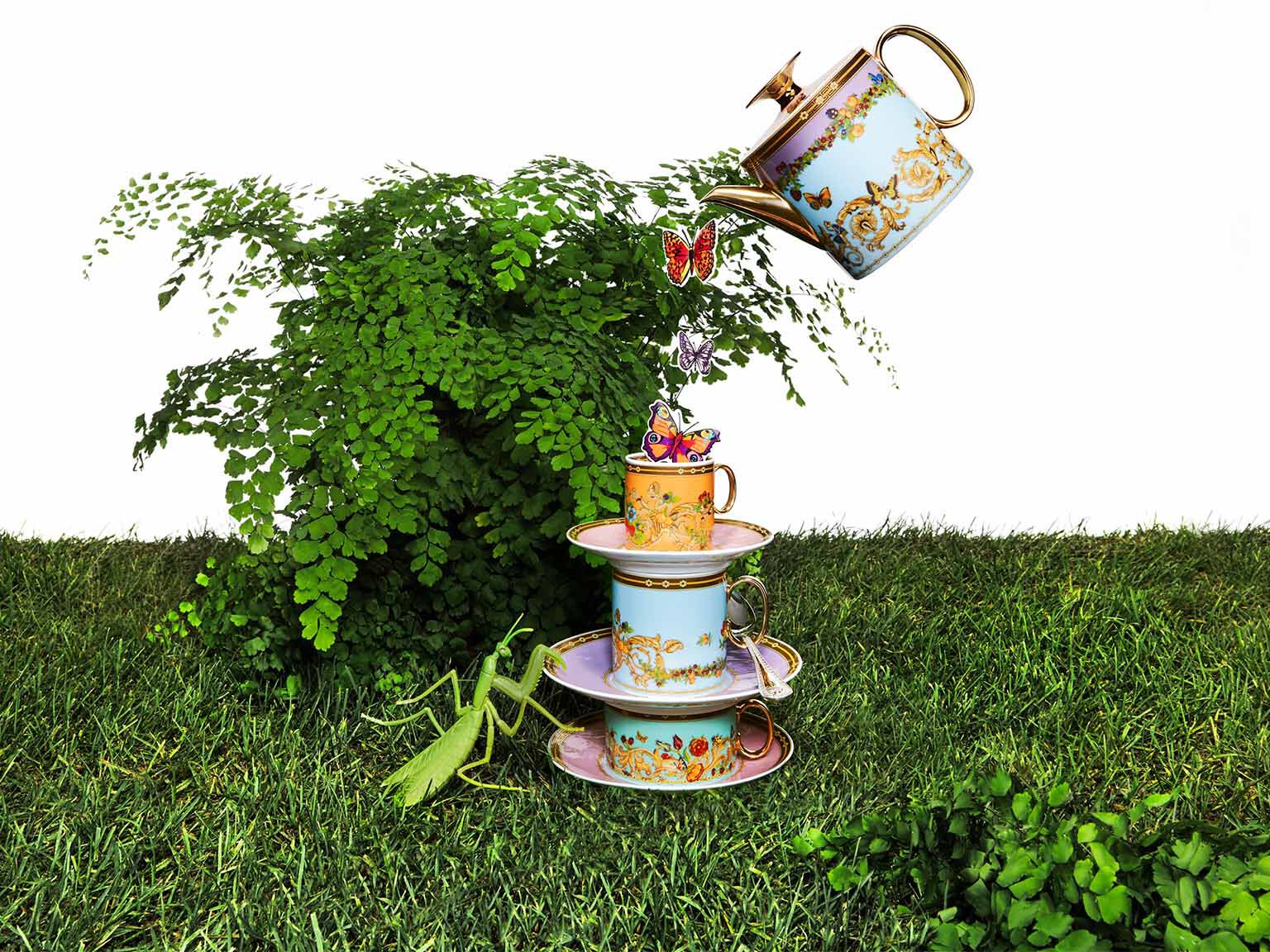
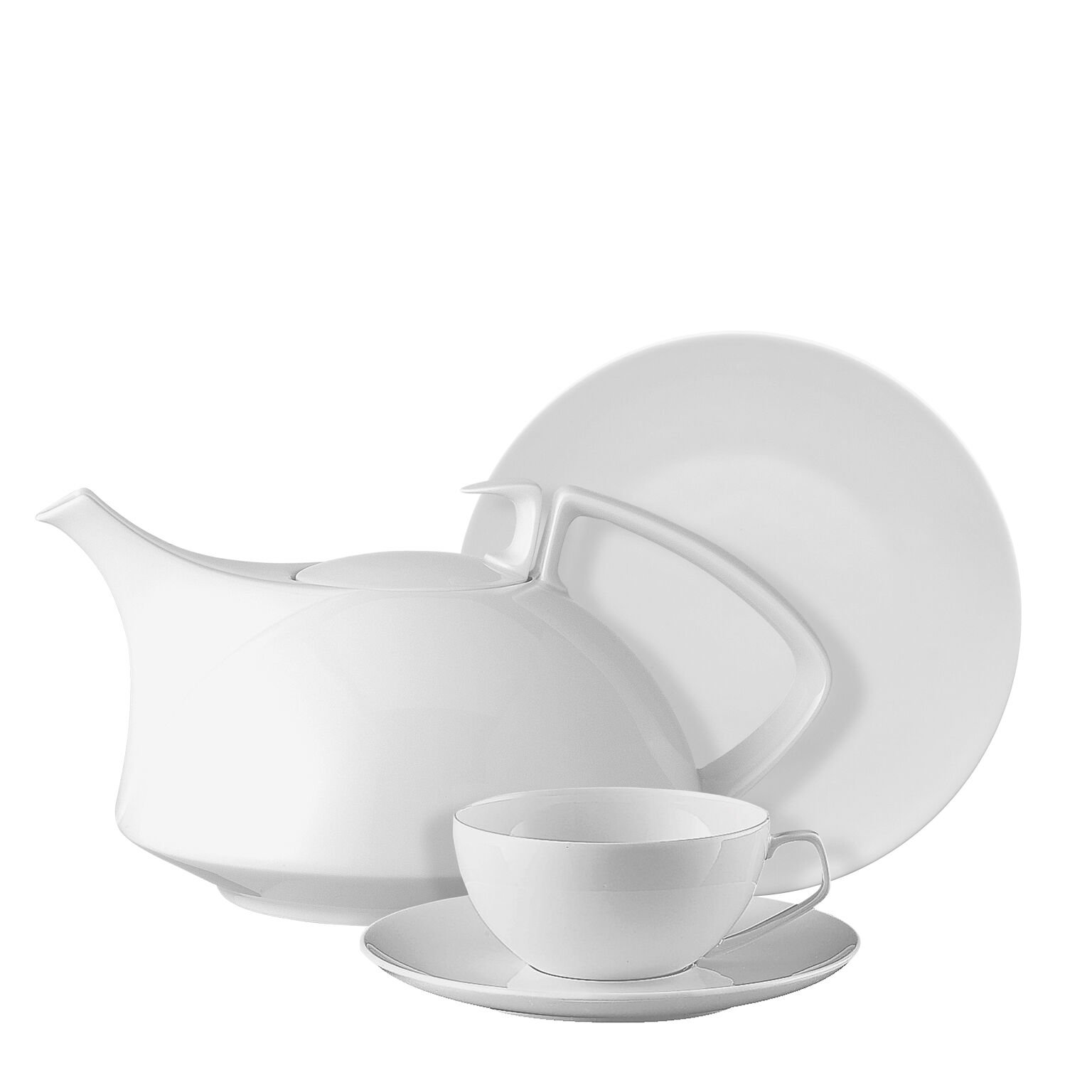
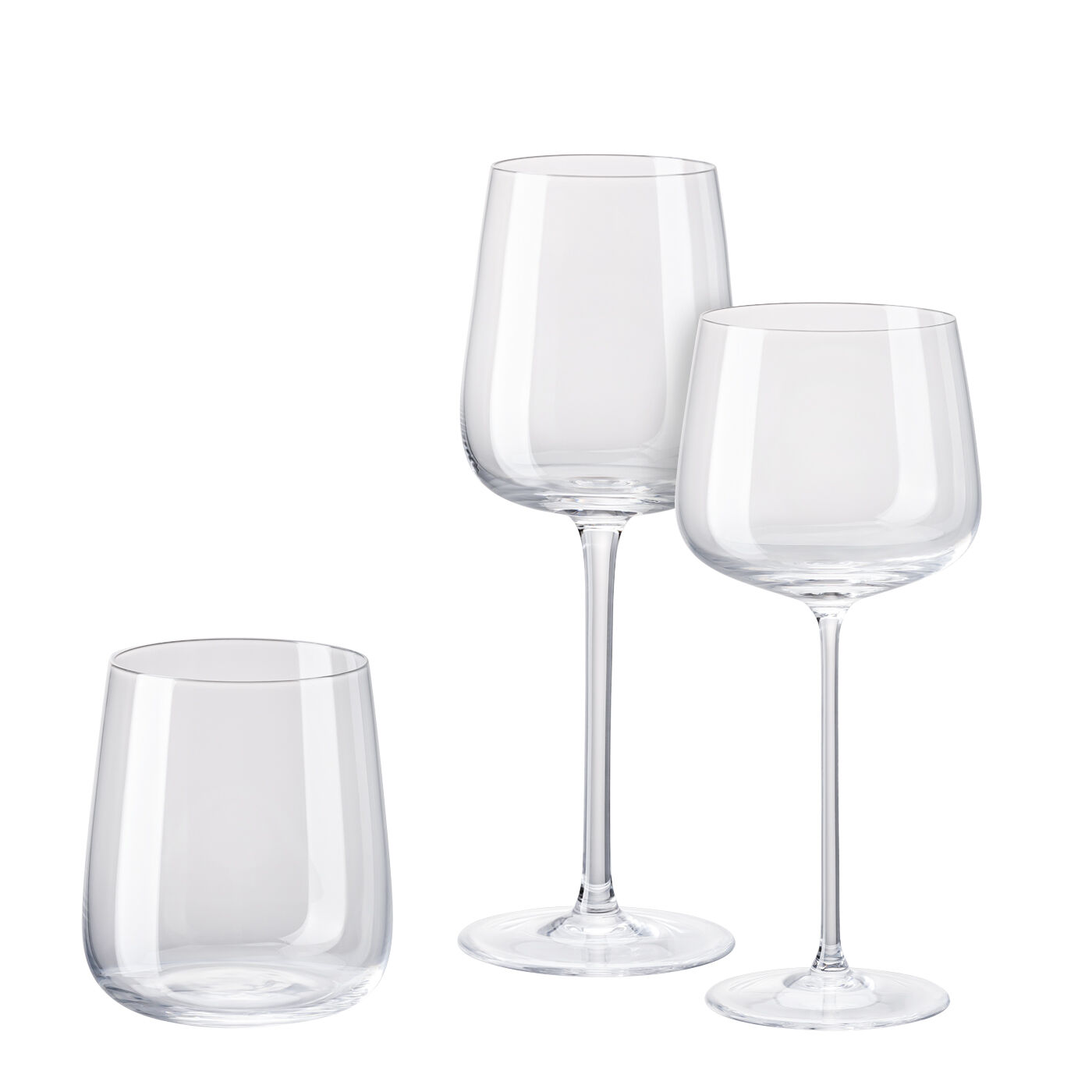
Discover our entire range of well-designed cups, glasses, plates and sets of cutlery to match every occasion at the Rosenthal online shop, too. From a glamorous wedding to a relaxing BBQ evening or a stylish Christmas present, our brands Rosenthal, Rosenthal meets Versace, Thomas, Hutschenreuther and Sambonet offer tasteful and trend-conscious products that suit your lifestyle.
Let our products inspire you to take joy in the process of giving presents to your loved ones and to make your own home more beautiful.